

To setup the script:
1.) First, go to Google Captcha and sign up. Setup your site for captcha to retrieve the needed keys.
2.) Upload the PHP script to an accessible directory.
3.) Open the script using an editor and change the “SecretKey” for Google Capcha and change the email address.
4.) The sendmail functions uses “/usr/sbin/sendmail.” This is default in most places but change to what your server requirements are.
5.) Paste the HTML/Java code on your page and edit for your layout if needed and change the “SiteKey” to yours (different than SecretKey in the PHP file).If using a public directory be sure to use an .htaccess file to control security and to use robot.txt in your home directory to not index the directory your php script sits in.
Updated script and improved security on 3/29/2024.
Download the Send Mail with Google Captcha zip file here.
File contents:- emailform.php
- HTML-code.txt
- instructions.txt
- optional-config.php
- optional-htaccess
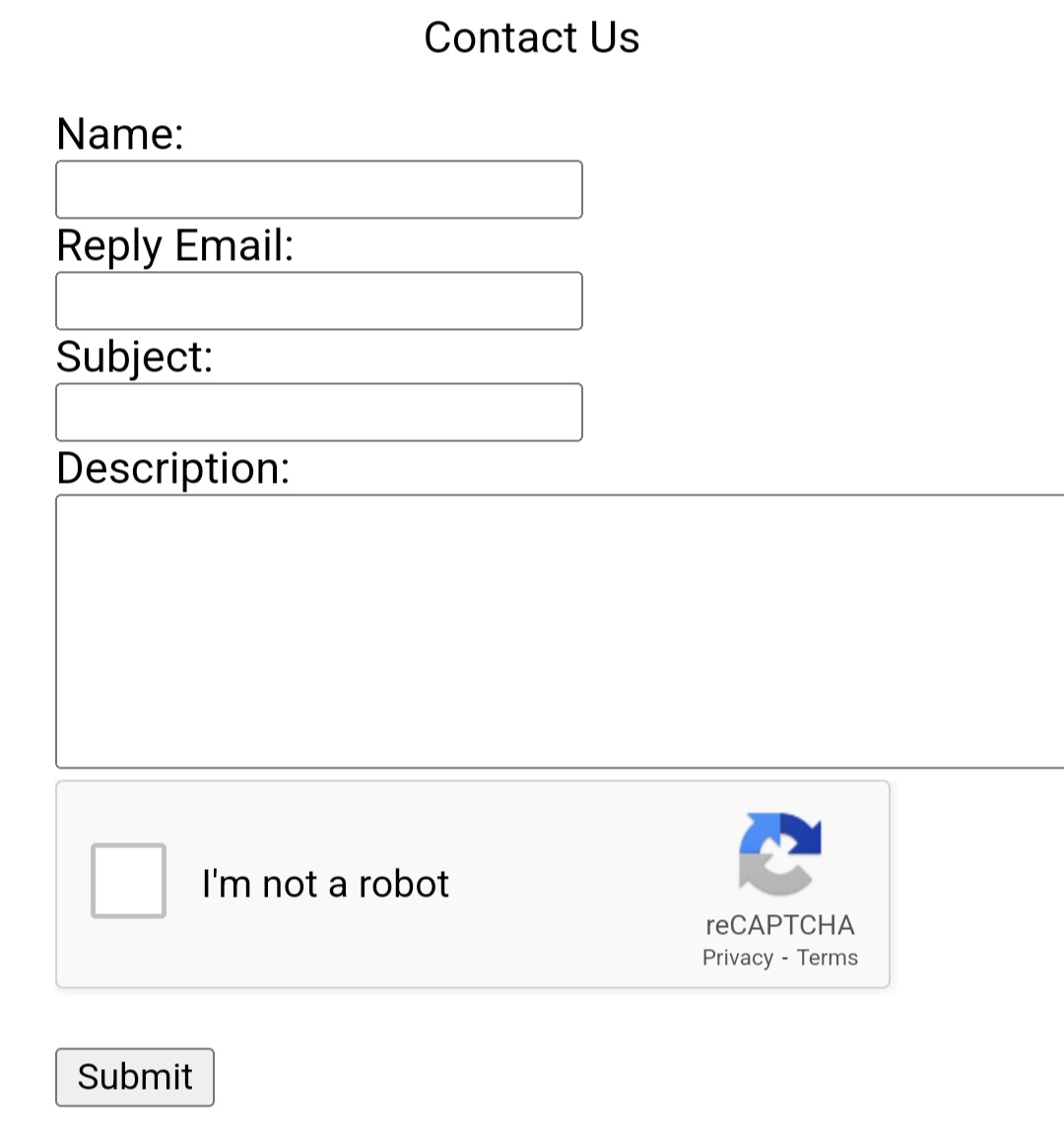
See an example below:
License: Open Source.